
Enter Pro Blog Maker Key Feature

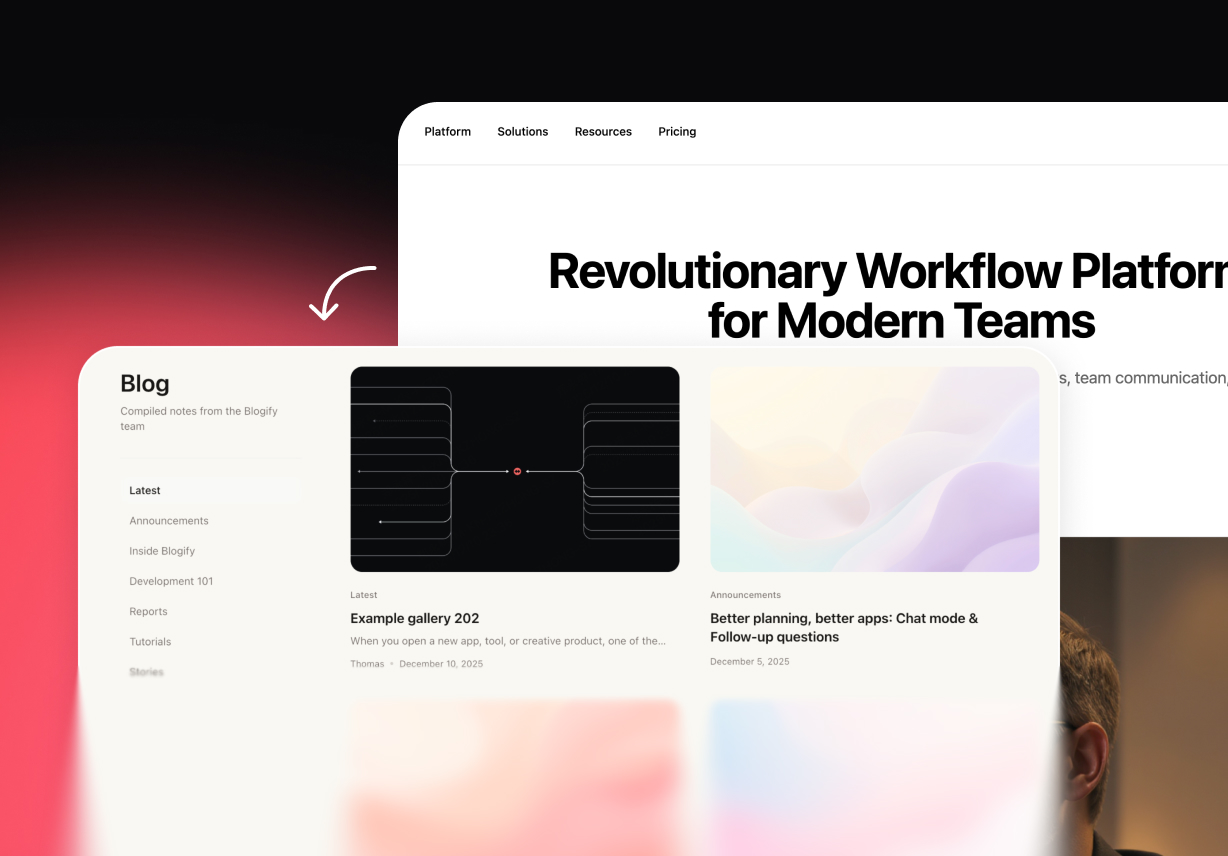
AI-Driven Layout Generation

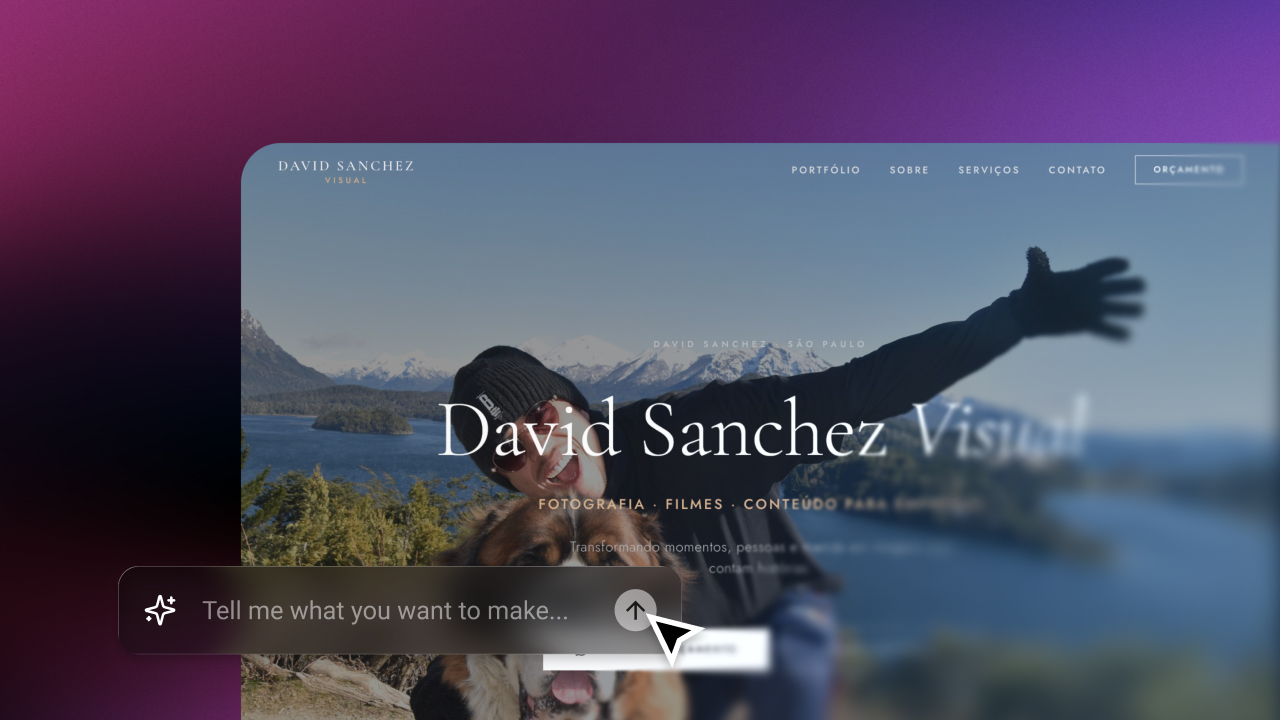
Describe your desired tone, niche, or structure, and our AI website builder instantly generates an organized, highly readable layout. Every project starts with a crystal-clear design direction.

Start for free
AI-Driven Layout Generation
Adaptive Theme Engine

Adaptive Theme Engine

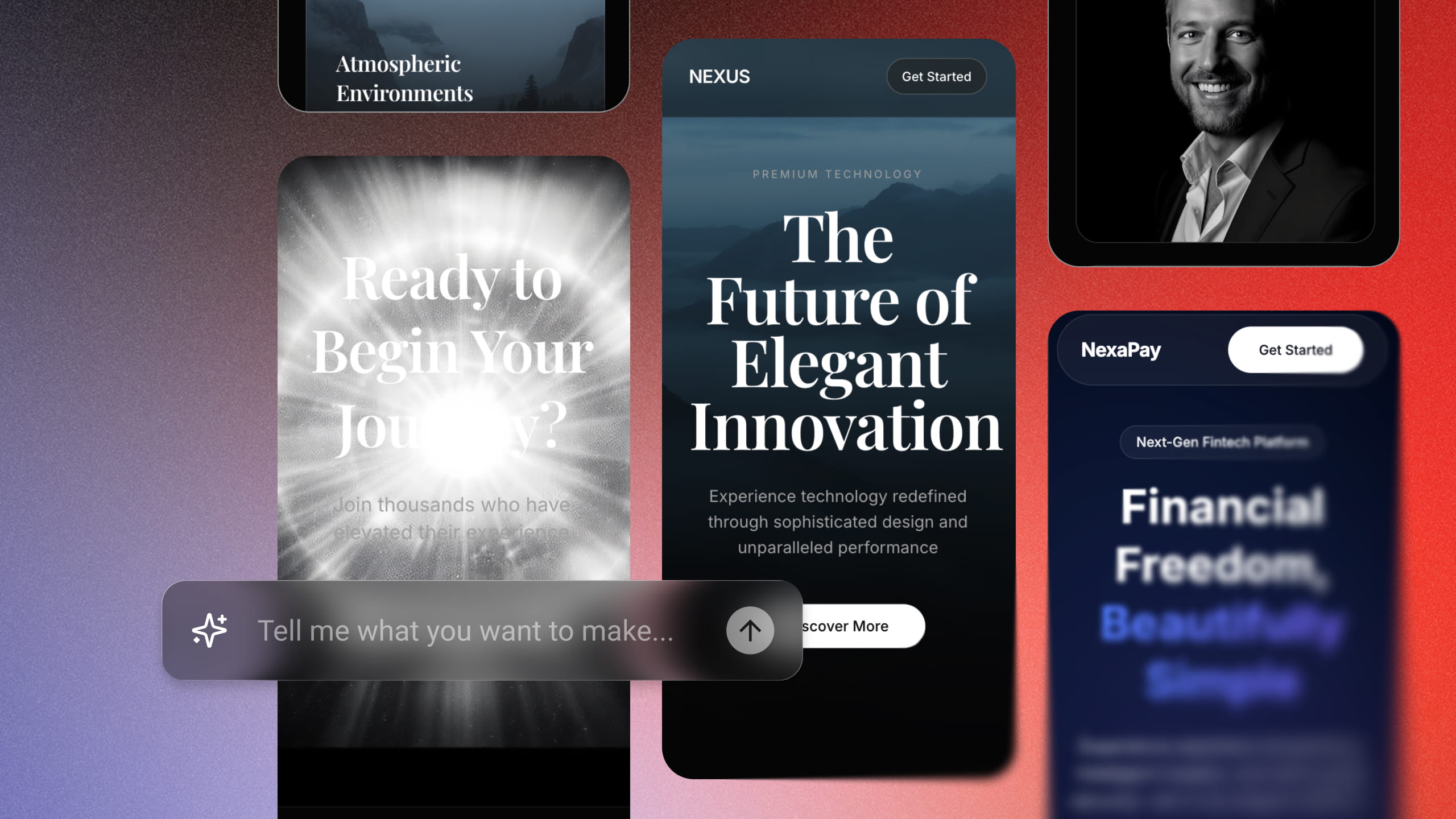
A blog should reflect its subject and voice. Enter Pro seamlessly shapes the visual style around your content themes and brand identity, delivering a tailored, polished, and professional aesthetic.

Try Enter now

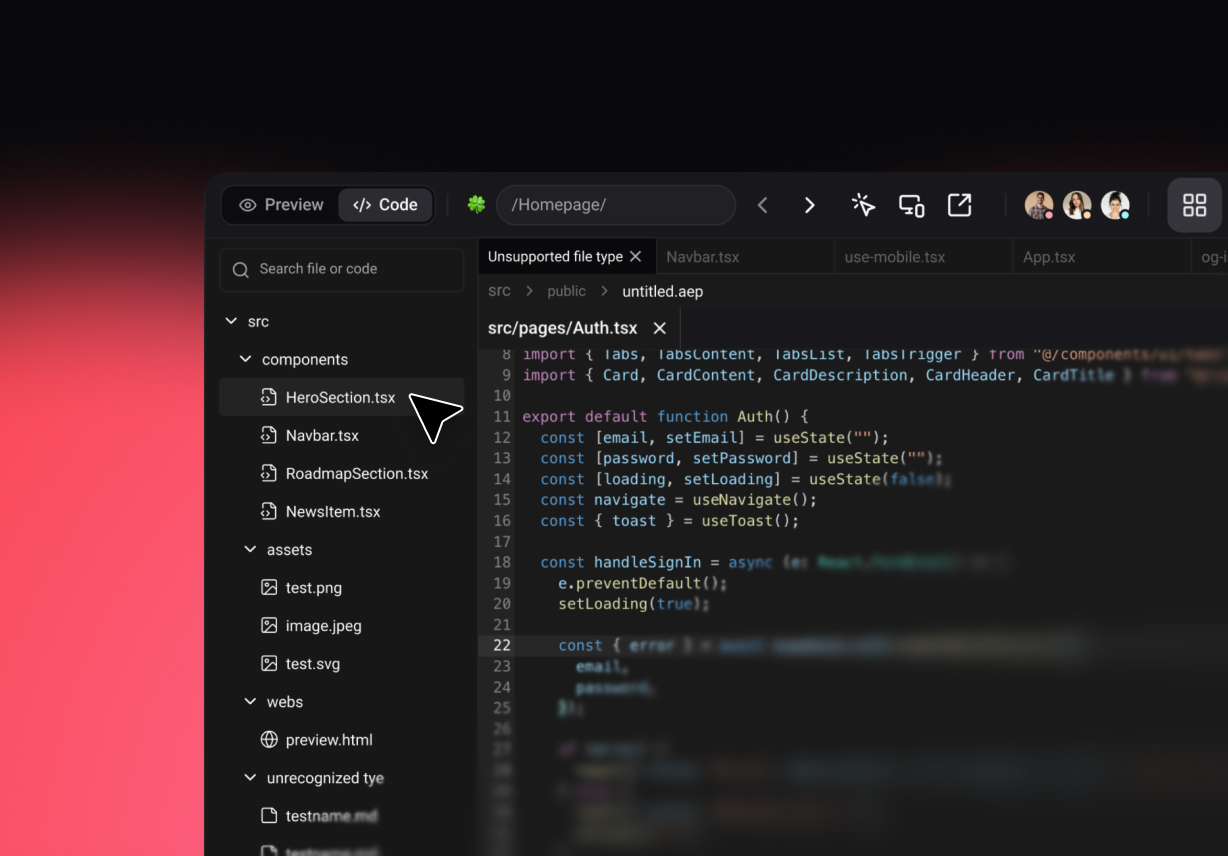
Clean and Scalable Code

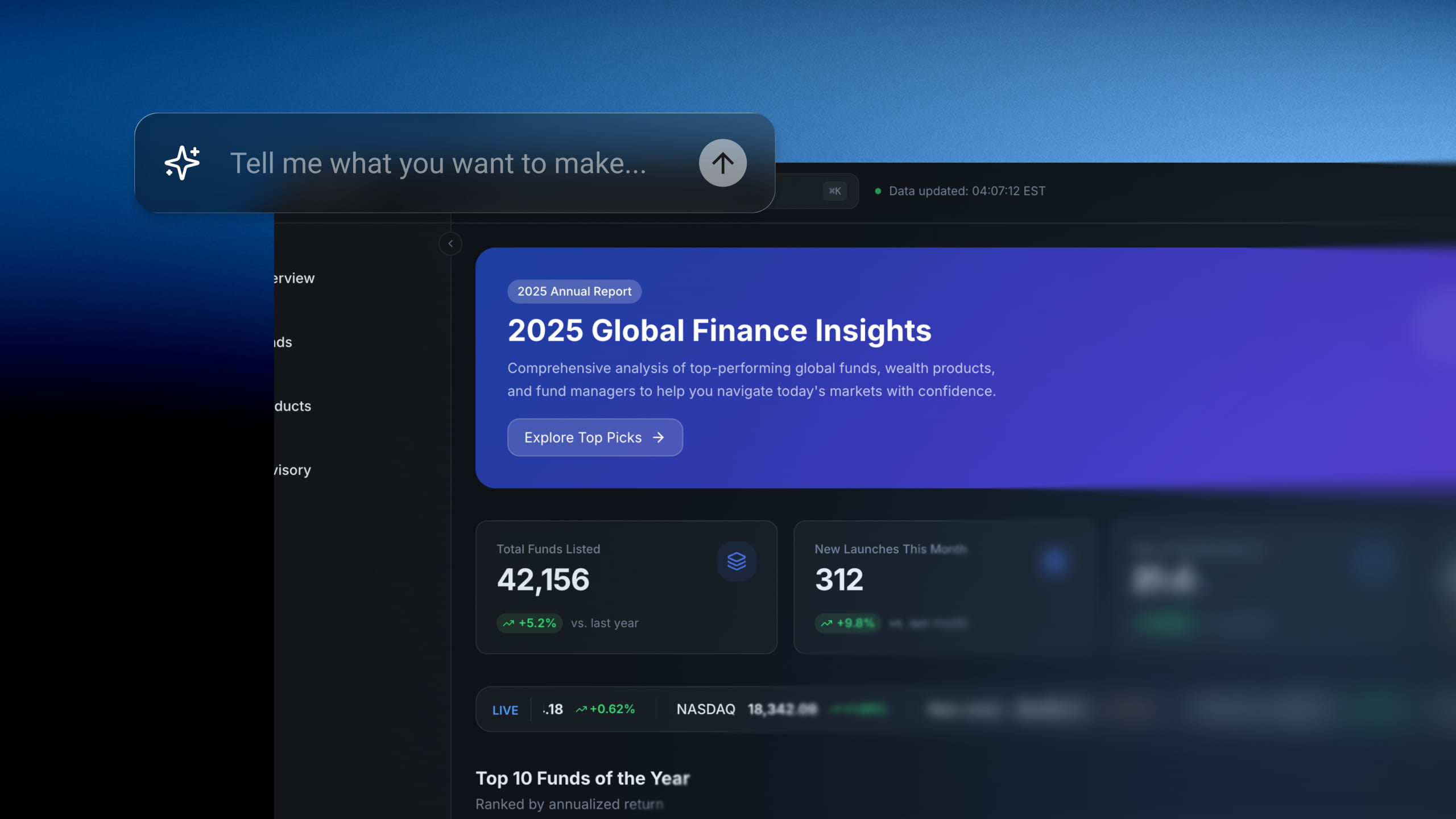
A growing blog requires a scalable infrastructure. Enter maintains a clean, robust foundation, making new pages effortless to manage in the visual editor as your content library expands.

Start for free
Clean and Scalable Code
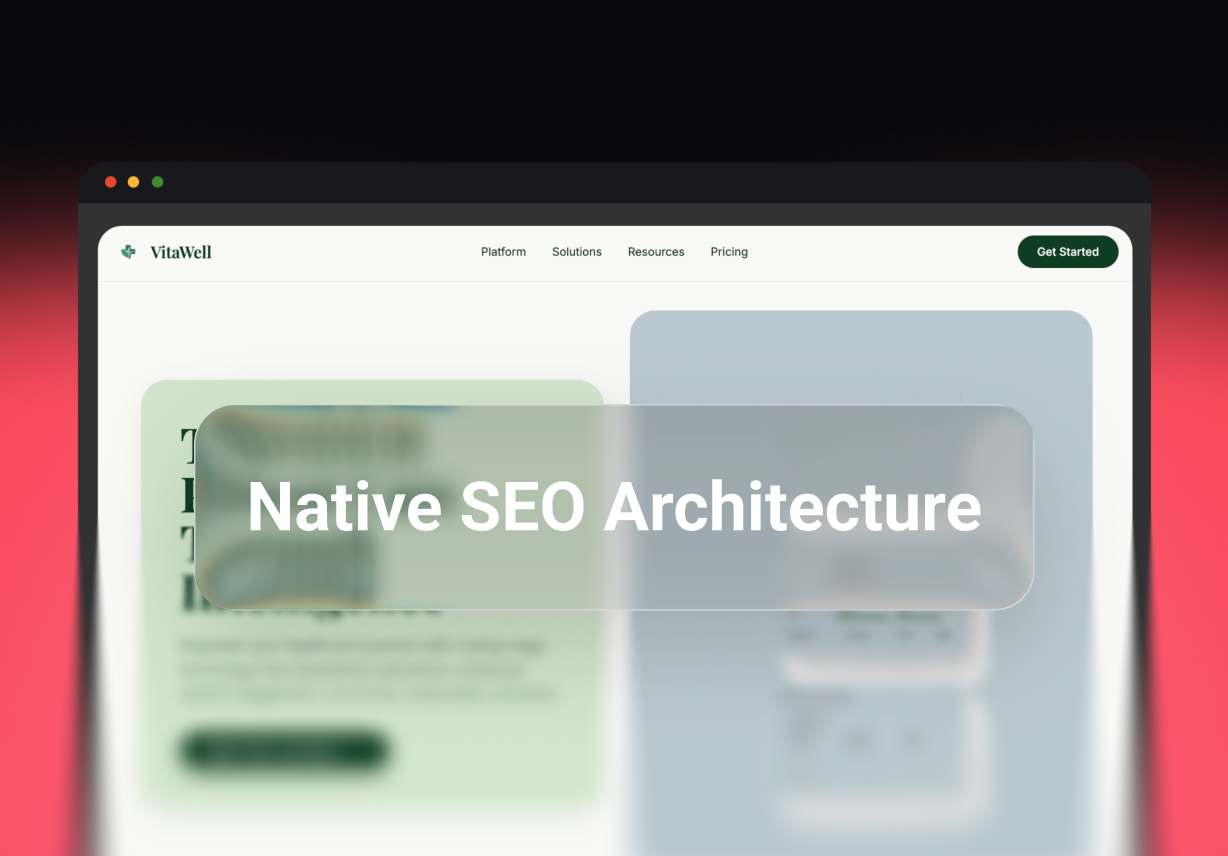
Native SEO Architecture

Native SEO Architecture

Great writing deserves to be discovered. Enter Pro builds blogs with a search-optimized architecture and native metadata support, giving your content a powerful foundation for long-term organic visibility.

Try Enter now

How to Use Enter Pro Blog Maker to Launch Your Blog Instantly?

Enter Pro guides you from a rough idea to a blog that's ready to publish, with no code involved. This free blog maker works through a short conversation: you describe, it asks, you approve, and it builds. The steps below use a sample recipe blog called Rooted Kitchen.

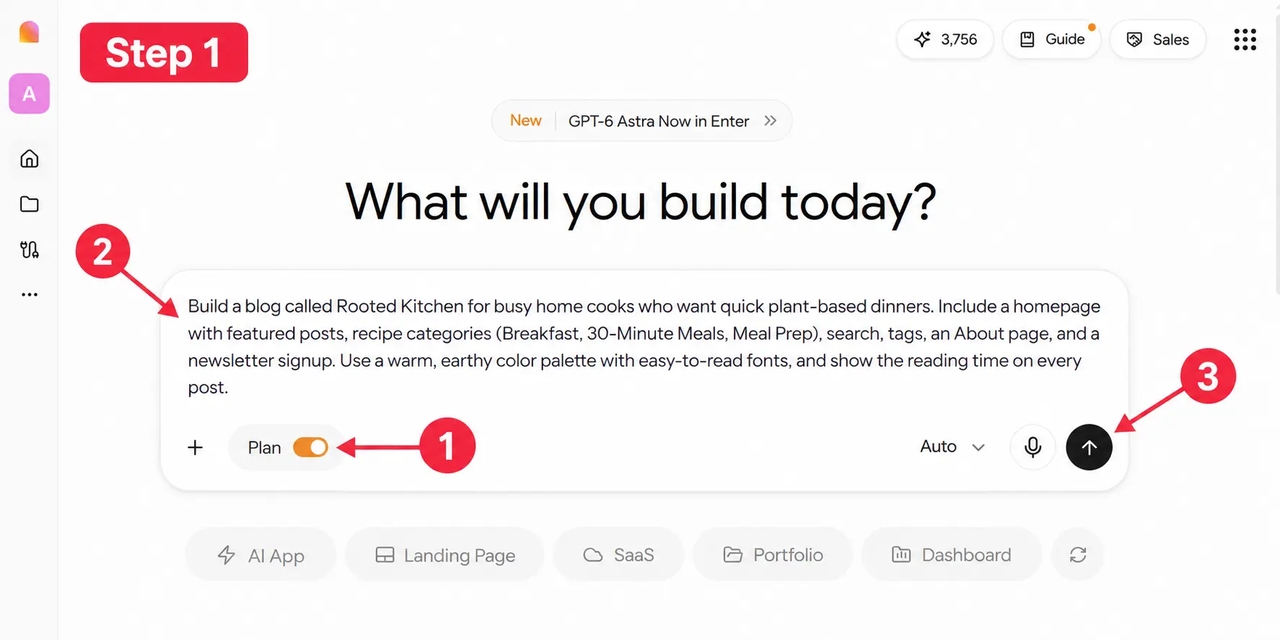
Describing a recipe blog in the Enter Pro prompt box with Plan Mode on

Describe Your Blog's Initial Requirements

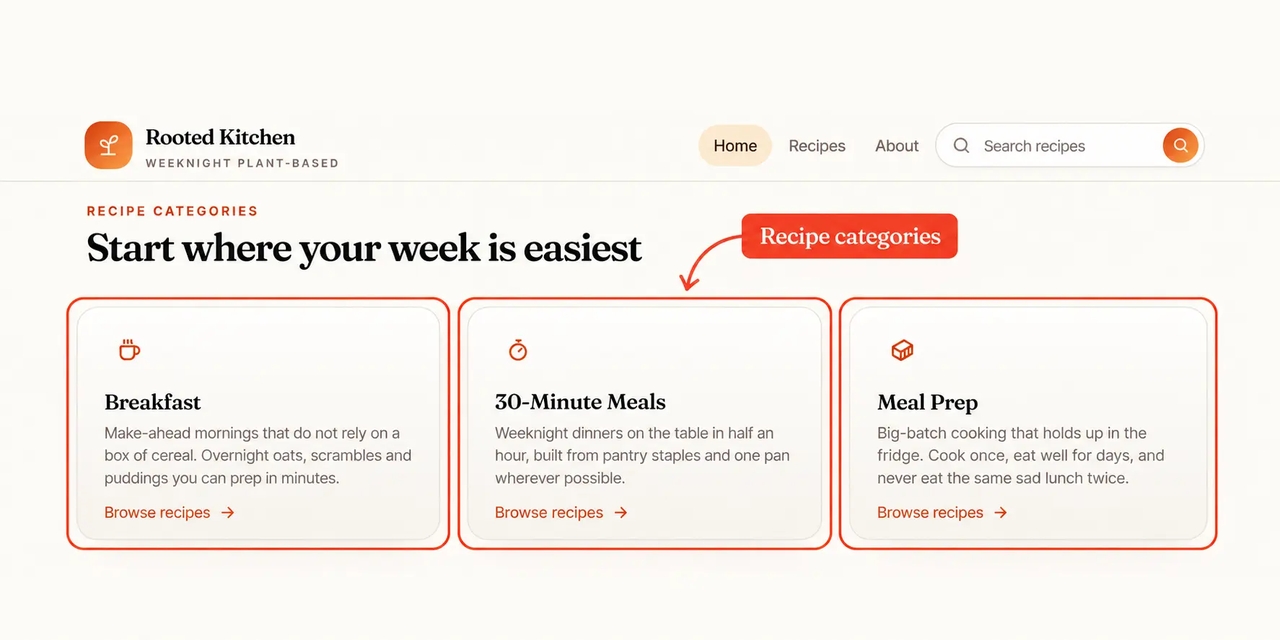
Start by telling Enter Pro what kind of blog you want to create. Open the workspace, switch on Plan Mode, and type your idea into the prompt box. You don't need a complete design brief or a fixed site structure. A few lines about your topic, readers, pages, and preferred style are enough to begin. Example prompt: Build a blog called Rooted Kitchen for busy home cooks who want quick plant-based dinners. Include a homepage with featured posts, recipe categories (Breakfast, 30-Minute Meals, Meal Prep), search, tags, an About page, and a newsletter signup. Use a warm, earthy color palette with easy-to-read fonts, and show the reading time on every post.
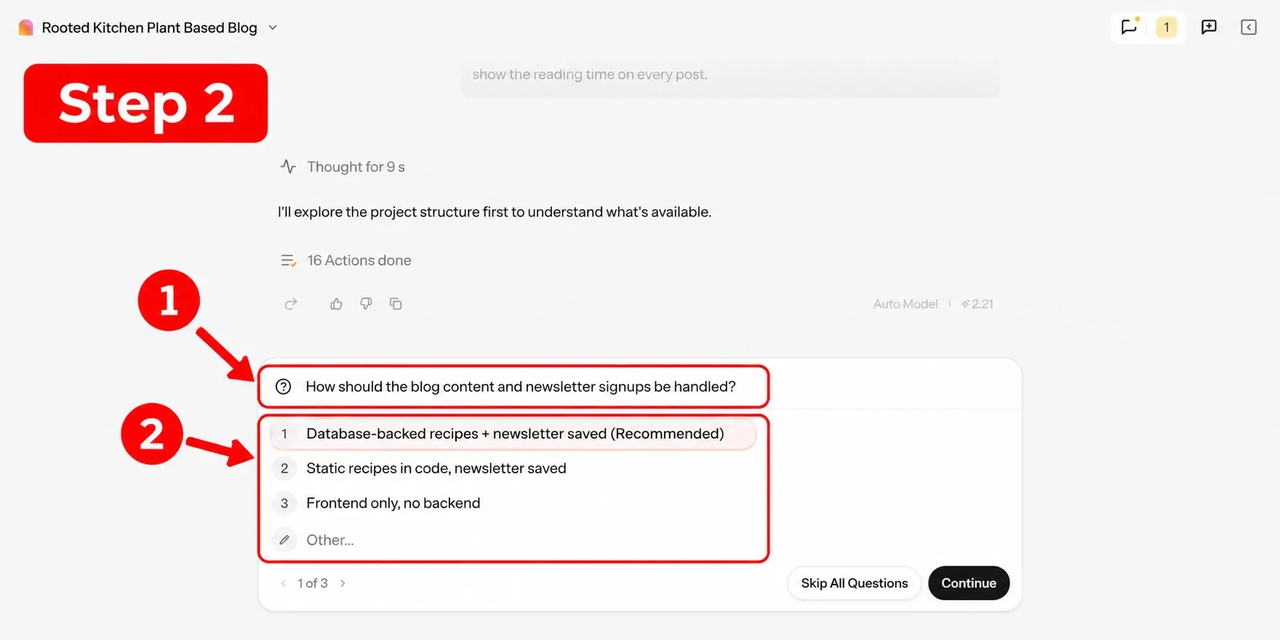
Answer Follow-Up Questions to Refine Your Requirements

Answer Follow-Up Questions to Refine Your Requirements

Enter Pro then explores your needs with follow-up questions. They help clarify your target readers, content priorities, design preferences, and the features your blog may need, such as author pages or a simple way to add new posts later. Often, they surface details you hadn't considered at the start. Answer in plain words. If you're unsure about something, ask Enter to choose a sensible option you can change later. This back-and-forth reduces guesswork and makes the process far easier for beginners.

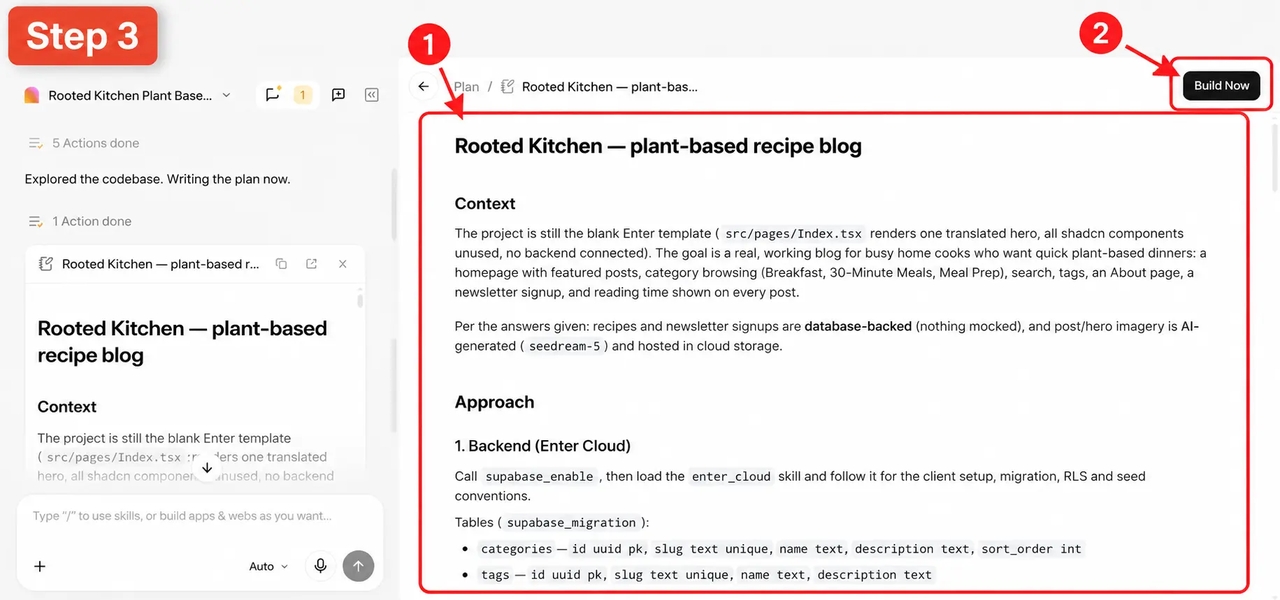
Reviewing the generated Rooted Kitchen blog plan and Build Now button in Enter Pro.

Generate a Blog Layout Tailored to Your Needs

Based on your answers, Enter Pro drafts a plan that covers the page layout, content structure, and build steps. Read it like a floor plan before a renovation. If something is missing, such as a "Popular This Week" sidebar, reply with the change and the plan updates. When the approach looks right, click "Build now." Enter Pro turns the plan into the first version of your blog and shows it in a live preview next to the chat.

Customize Each Blog Section

Customize Each Blog Section

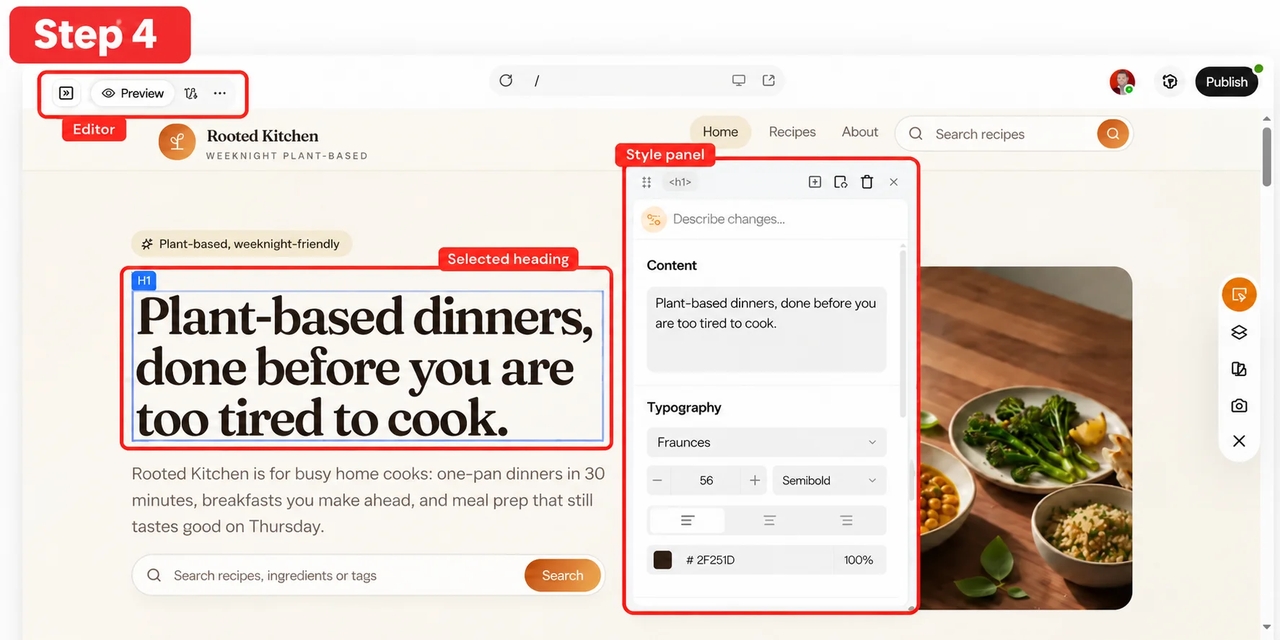
Next, refine the blog to match your brand and editorial style. Use the chat for bigger changes, for example: "Move the newsletter box above the footer and show prep time under each recipe title." For quick tweaks, open the Visual Editor, click any element, and update its text, colors, fonts, spacing, or images. Swap in your own photos, reorder sections, and keep adjusting until every page feels personal and consistent.

 Publish Your Blog

Publish Your Blog

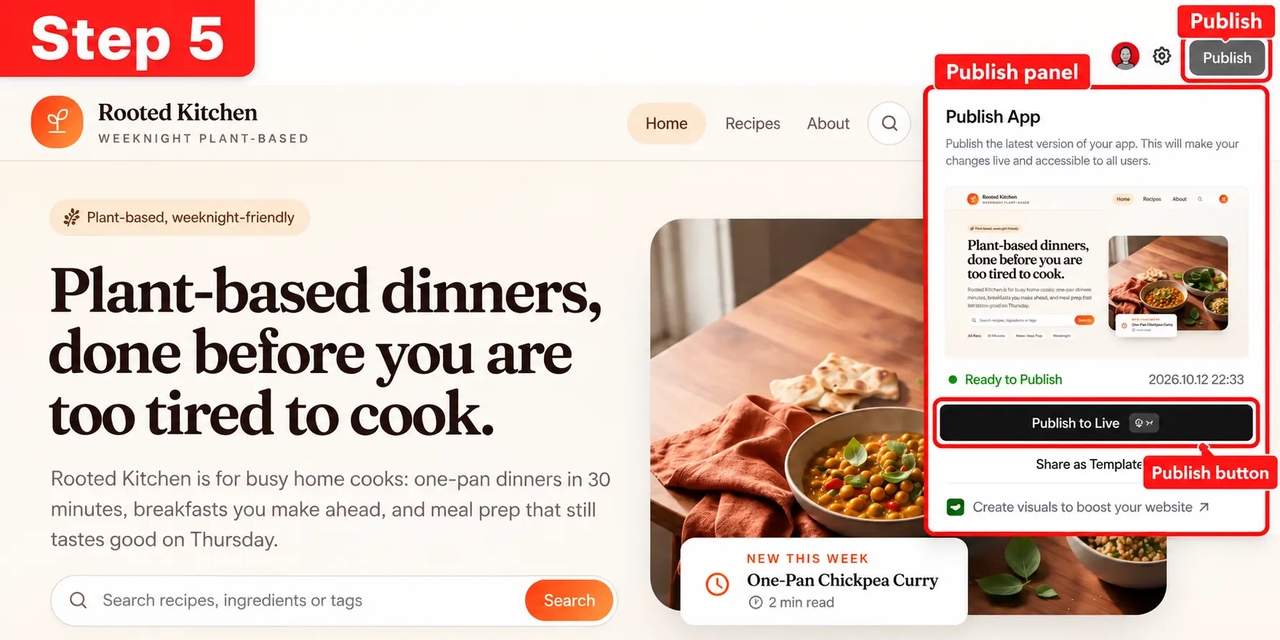
When your blog is ready, preview it on desktop and mobile. Open a few posts, test the search bar and tags, and check that your content and images display as intended. Then click "Publish" to put your blog online with a link you can share. Prefer your own web address? You can connect a custom domain from Project Settings > Domains, and Enter takes care of the hosting for you.

Who This Free Blog Maker Is Best For?

You can use this blog maker for free whatever your experience level. Still, it fits some goals better than others.

1792132491404-20261016-143445

Content Creators Building Long-Term Blogs

If your goal is to grow traffic over time rather than just publish content, structure makes a real difference. Enter Pro sets up categories, tags, and a consistent post template from day one, so your 50th article fits in as neatly as your first. You also own the code and can add a custom domain once the blog becomes part of your brand.

Marketers Focused on SEO and Content Strategy

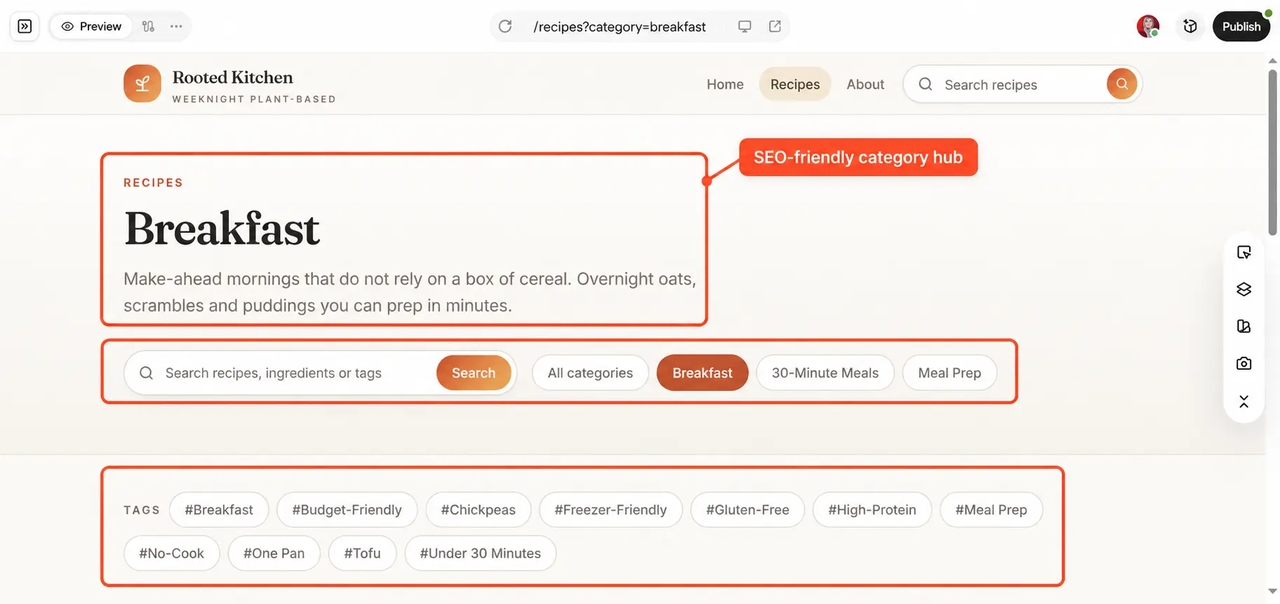
For those managing multiple topics or campaigns, a structured workflow keeps content consistent and easier to measure. Ask Enter Pro for topic hubs, category landing pages, and clean post URLs, then add meta titles as your library grows. With Google Analytics connected, you can see which posts bring readers in and plan the next batch around real numbers.

Blog category hub page used for SEO content planning
1792132590182-20261016-143620

Teams Managing Scalable Content Systems

When multiple people are involved, clear structure and a shared workflow become essential. Collaborative workspaces let writers, editors, and managers work on the same project without confusion, while project history makes every edit easy to review. Need a real backend? Enter Cloud can store posts, authors, and images in a managed database, so new content doesn't mean rebuilding pages.

Why Our Free Online Blog Maker Is Better?

1

Stop Struggling with Design

A clean blog should not require hours of layout decisions. Many free blog website makers hand you a template and leave the rest to you. Enter Pro gives you a polished starting point out of the box, with readable post pages and layouts that adapt to any screen. You get to spend that time writing.

2

Never Lose a Reader to Lag

Slow loading times kill engagement. Enter builds your blog on React, Vite, and Tailwind CSS, a modern stack that keeps pages lean, so posts load quickly and navigation feels smooth. Readers stay with your story instead of staring at a loading spinner.

3

Get Seen Without the Effort

Visibility is everything. Enter Pro builds pages with clear headings and clean code, and you can ask it to add meta titles, descriptions, and readable URLs to each post. That covers the basics in Google's SEO Starter Guide. Rankings still depend on what you publish, but your site won't hold you back.

FAQs

Publish Smarter with Enter Pro

Your next post deserves a home that can grow with it. Try this blog maker free on Enter, describe the blog you have in mind, and publish when it feels ready. A free blog maker that plans before it builds keeps your first post and your hundredth on the same solid structure.